Kinematics vs. kinetics, without the fog
A plain-language guide to what each category describes, why students mix them up, and how to connect the distinction back to the movement on screen.
Read the guide Movision Labs
Learning library
This journal is built for students, educators, and researchers who want better movement-analysis literacy: clearer biomechanics concepts, better recording habits, and a more careful understanding of what video-derived signals can and cannot tell you.
Start here
You do not need to read everything in order. Start with the question you have today, then move deeper once the foundations are clear.
Use these guides when you want a cleaner mental model of what the plotted variables actually describe.
These articles explain how pixels become tracked motion and why that matters for confidence and interpretation.
Find practical guidance on camera setup, classroom prompts, and using one signal well instead of everything at once.
Biomechanics fundamentals
These guides help readers understand the difference between what a variable represents, what a model estimates, and what a good interpretation actually sounds like.
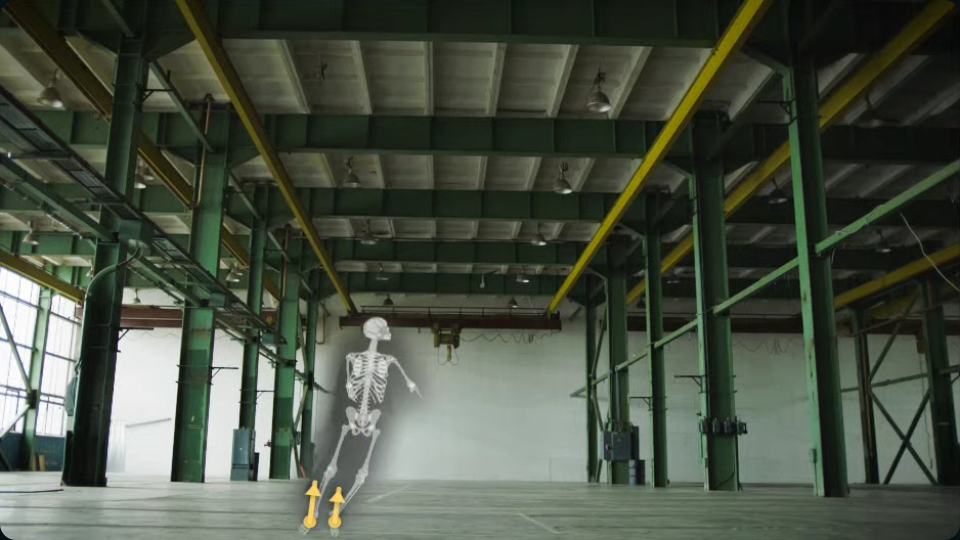
A plain-language guide to what each category describes, why students mix them up, and how to connect the distinction back to the movement on screen.
Read the guideUse the source clip, the overlay, and the plotted signal together so a clean curve does not get mistaken for perfect certainty.
Read the guideComputer vision and capture quality
Movement analysis from video depends on visible landmarks, sensible framing, and model fit. These articles explain the parts of the pipeline that usually stay hidden.
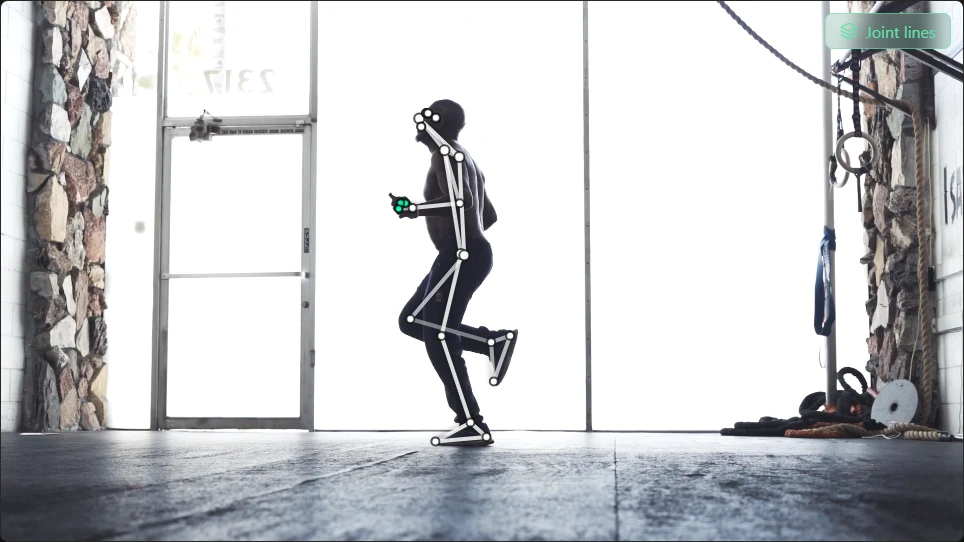
Landmarks, segmentation, visibility, world coordinates, and model fitting all shape the final signal. This article walks through that chain clearly.
Read the guideBetter framing and clearer views often improve interpretation more than any amount of post hoc guesswork.
Read the guideTeaching and workflow
These resources focus on how to structure a class session, pick a workable movement question, and use the app without overwhelming the learner.
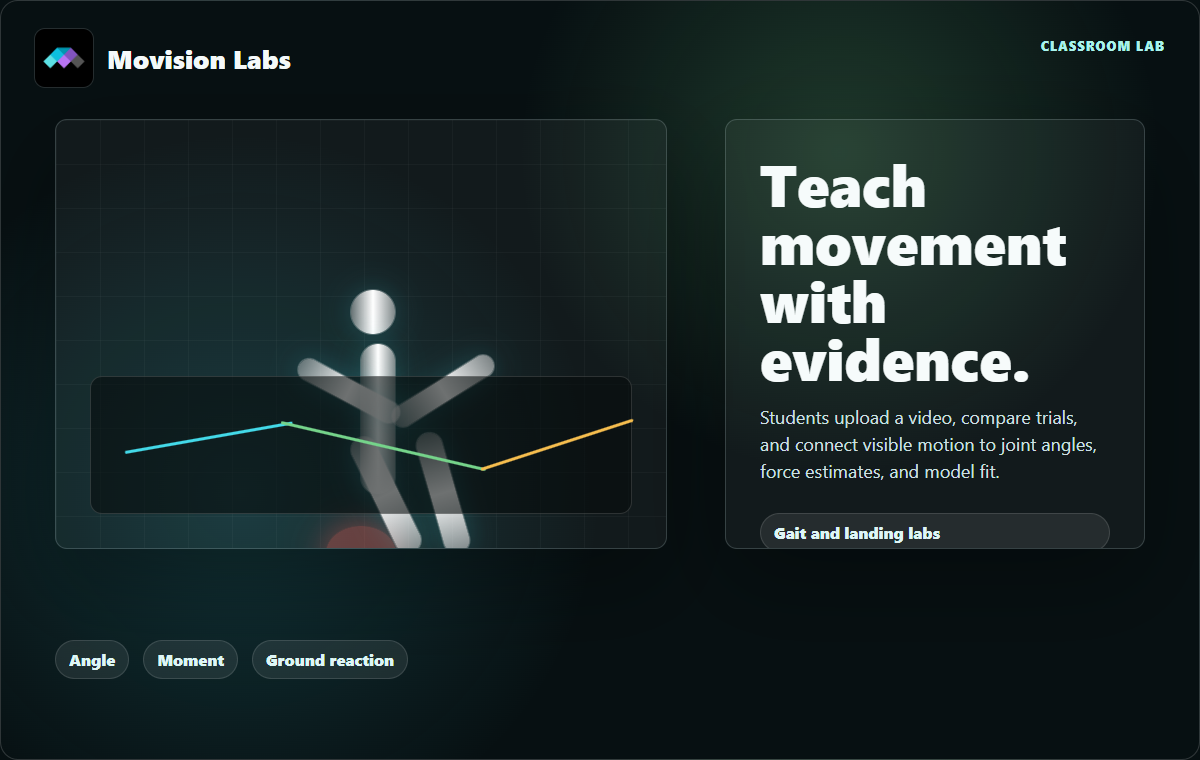
Use a narrower question, a visible model fit, and one interpretable signal to help students move from observation to evidence without getting lost in noise.
The journal is here to build understanding. The app is there when you want to load a clip, inspect the overlay, and connect the concept back to a real movement.